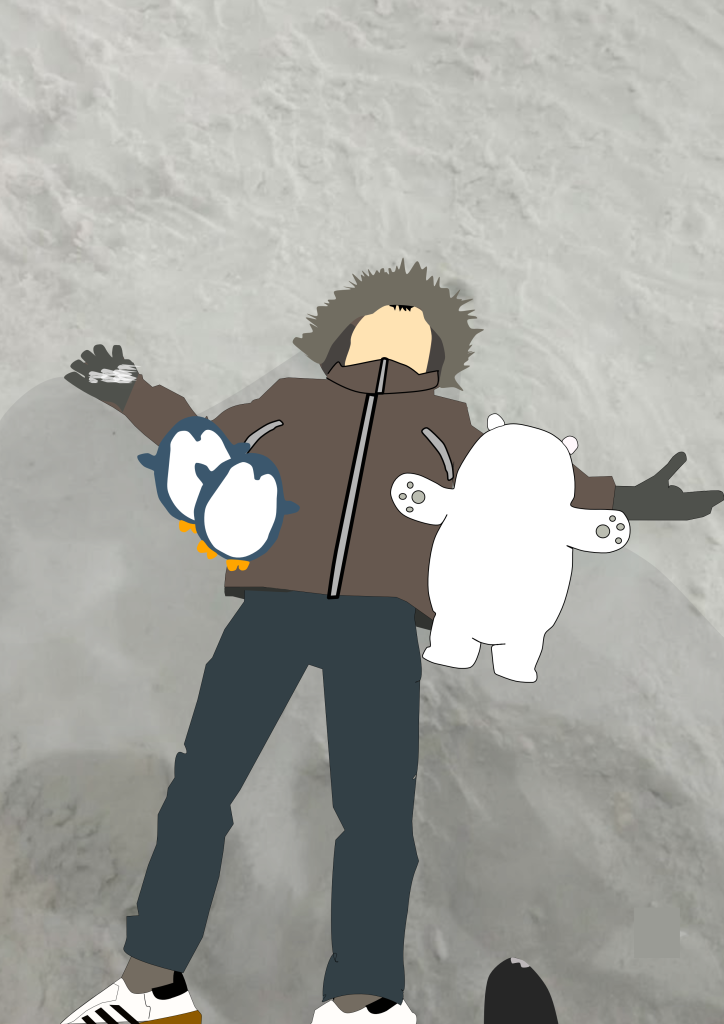
This is my very first multimedia project in 8th grade! For this assignment, I decided to recreate a photo of my younger sibling lying in a pile of snow. I used the Affinity application to complete the whole thing.
To trace the original photo, I used the Pen Tool. My first step was carefully following all the outlines and shapes of the image. Once I finished tracing everything, I moved on to adding colors and adjusting the outlines so that all the details would pop out and look clean.
Besides coloring, another important step was arranging all the different layers and parts that I had traced. I had to organize them properly—making sure the front and back layers were in the right order so the pieces didn’t overlap incorrectly or look messy.
Honestly, I found this first project pretty easy and fun to do. That’s mainly because before tackling this photo of my sibling, I had already practiced by tracing a Bomb character from the Angry Birds game. Having that quick practice beforehand really helped me understand how the tools in Affinity work, so I wasn’t confused at all while working on this. I’m really happy with how it turned out, and I’m excited to try more digital art projects in the future!
part that has been imitated, for this first project it’s quite easy because before I imitated a bomb from angry birds,.
 loading . . .