loading . . .

Ghanz_02

Categories
Project IT

Tinybit Bluetooth Controller

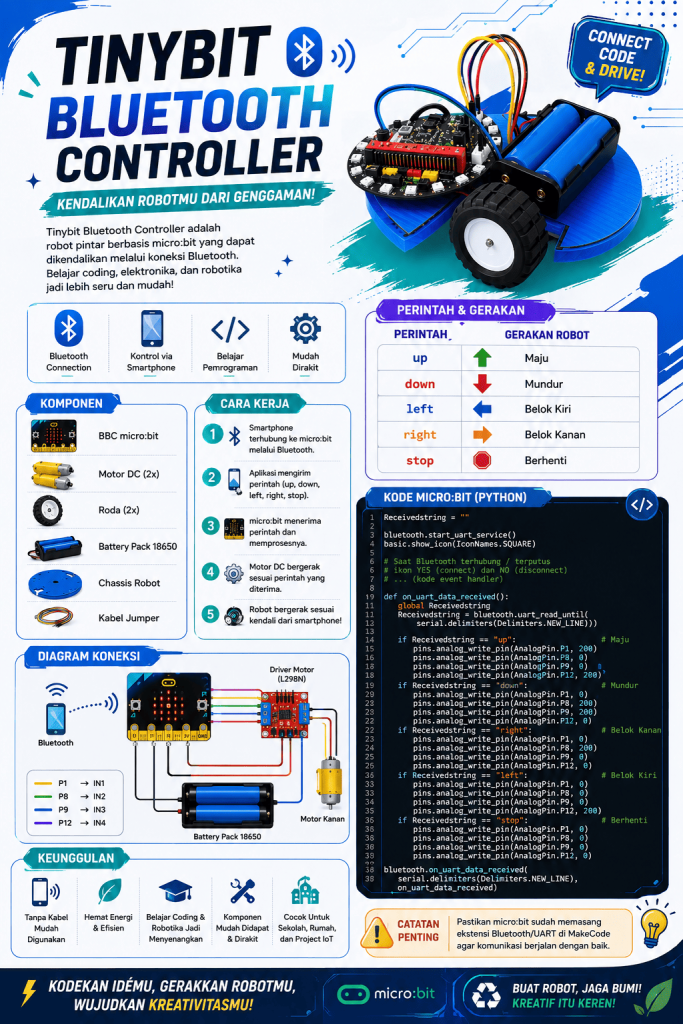
Tinybit Bluetooth Controller

This is my firts IoT project and  this project is called TinyBit Bluetooth Controller. It is a robot project that uses a Micro:bit and Bluetooth to control the TinyBit robot wirelessly. The main idea of this project is to connect the controller to the robot and send commands through Bluetooth.

In this project, I use programming to control the movement of the TinyBit robot. The Bluetooth connection allows the robot to receive commands, such as moving forward, backward, left, and right. This project also helps me understand how communication between a controller and a robot works.

The purpose of making this project is to learn more about programming, Bluetooth communication, and robotics. Through this project, I can practice creating a program and applying it to a real robot. This project is also a simple way to learn how coding can be used to control a robot
 
Categories
Project IT

Infographic Poster

Infographic poster

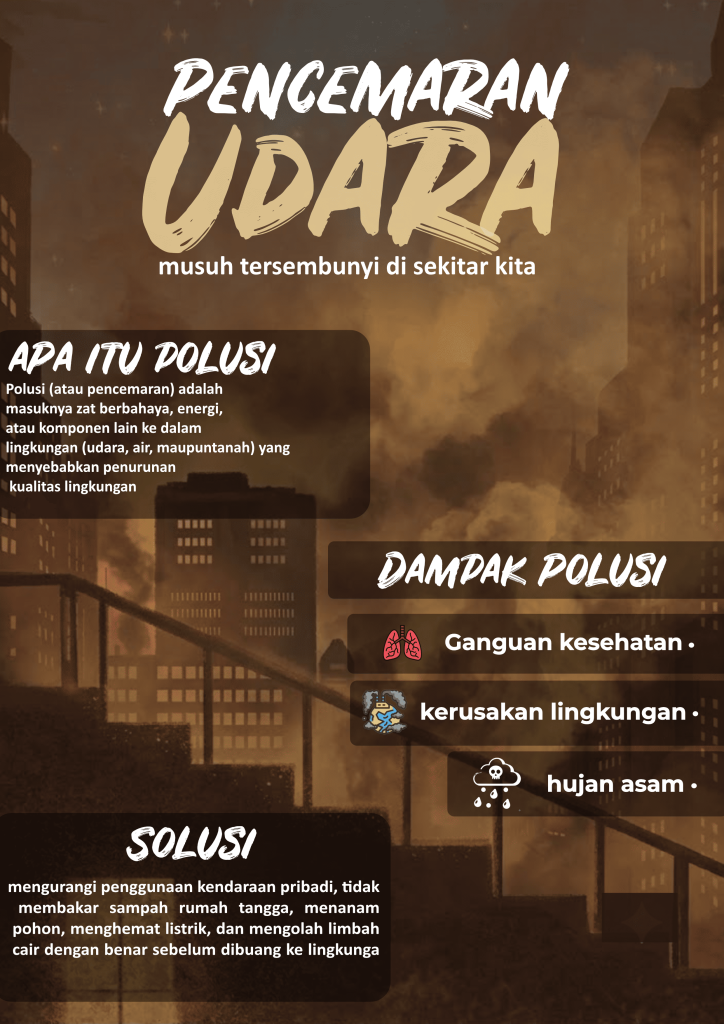
Great to see you pushing forward with your third multimedia project! Choosing air pollution for an infographic poster is a smart move, as visual storytelling is one of the most effective ways to make complex environmental issues accessible and engaging for everyone.

The narrative structure you’ve  with a clear definition, detailing the harmful effects, and concluding with actionable solutionsis wonderfully logical. Laying out the information this way helps viewers grasp the full scope of the problem while empowering them with tangible ways to make a difference.

Hopefully, this poster captures attention and sparks meaningful conversations about improving our air quality. Keep up the momentum with your creative work, and be sure to showcase the finished design so everyone can appreciate it!

Categories
Project IT

Design Poster

Design Project

For this second multimedia project, I had the freedom to choose an open theme. After considering various concepts, I settled on a beverage theme, specifically focusing on matcha products. My choice of matcha was deliberate; beyond its popularity as a trend, its soothing signature green hue and rich texture offered strong visual appeal for creating an aesthetically pleasing graphic design.

The creative process began with seeking visual inspiration on Pinterest. I gathered various moodboard references—ranging from commercial poster layouts and elegant typography combinations to color schemes that would reinforce the fresh impression of matcha. In addition to brainstorming, I used Pinterest to find supporting visual elements, such as green powder textures, milk splashes, and the aesthetic of transparent cups, all of which helped enhance the final composition.

Once I had gathered all the conceptual references and image assets, I moved on to the execution phase using the Affinity application. The design process started with establishing the main composition, cropping and removing the backgrounds from the matcha images, and blending them with lighting effects to ensure a natural, cohesive look. Finally, I incorporated typography that offered contrast while remaining highly readable to convey the product’s message, resulting in a fresh, clean, and captivating matcha poster.


Categories
Project IT

design ilustration

design illustration

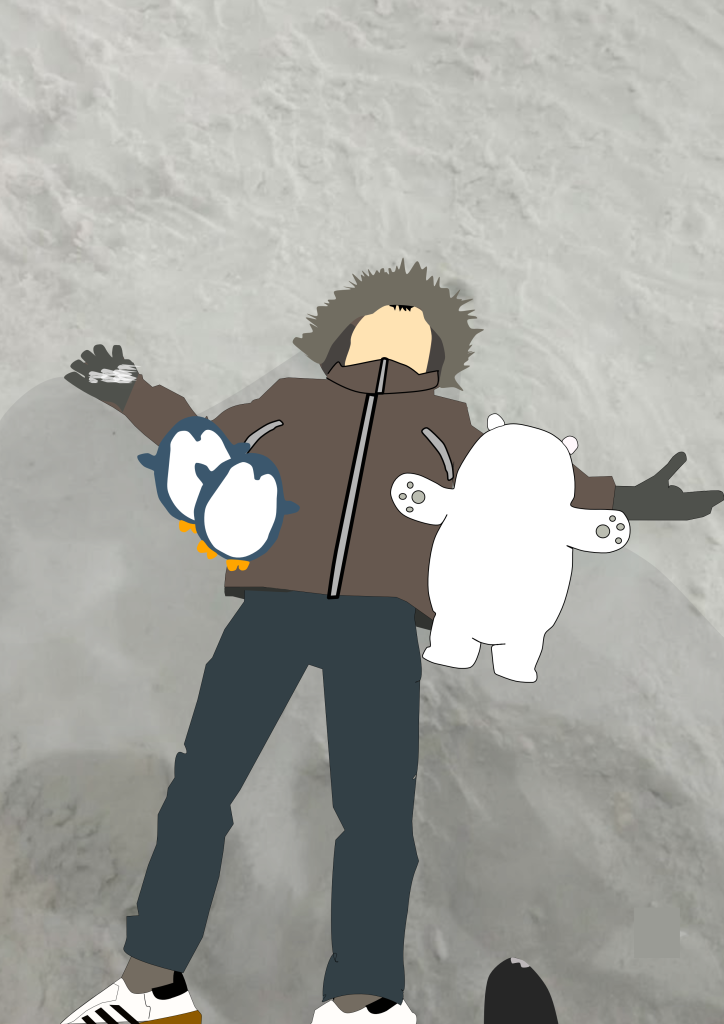
This is my very first multimedia project in 8th grade! For this assignment, I decided to recreate a photo of my younger sibling lying in a pile of snow. I used the Affinity application to complete the whole thing.

To trace the original photo, I used the Pen Tool. My first step was carefully following all the outlines and shapes of the image. Once I finished tracing everything, I moved on to adding colors and adjusting the outlines so that all the details would pop out and look clean.

Besides coloring, another important step was arranging all the different layers and parts that I had traced. I had to organize them properly—making sure the front and back layers were in the right order so the pieces didn’t overlap incorrectly or look messy.

Honestly, I found this first project pretty easy and fun to do. That’s mainly because before tackling this photo of my sibling, I had already practiced by tracing a Bomb character from the Angry Birds game. Having that quick practice beforehand really helped me understand how the tools in Affinity work, so I wasn’t confused at all while working on this. I’m really happy with how it turned out, and I’m excited to try more digital art projects in the future!

part that has been imitated, for this first project it’s quite easy because before I imitated a bomb from angry birds,.

Categories
Project IT

Smart Parking

Smart Parking

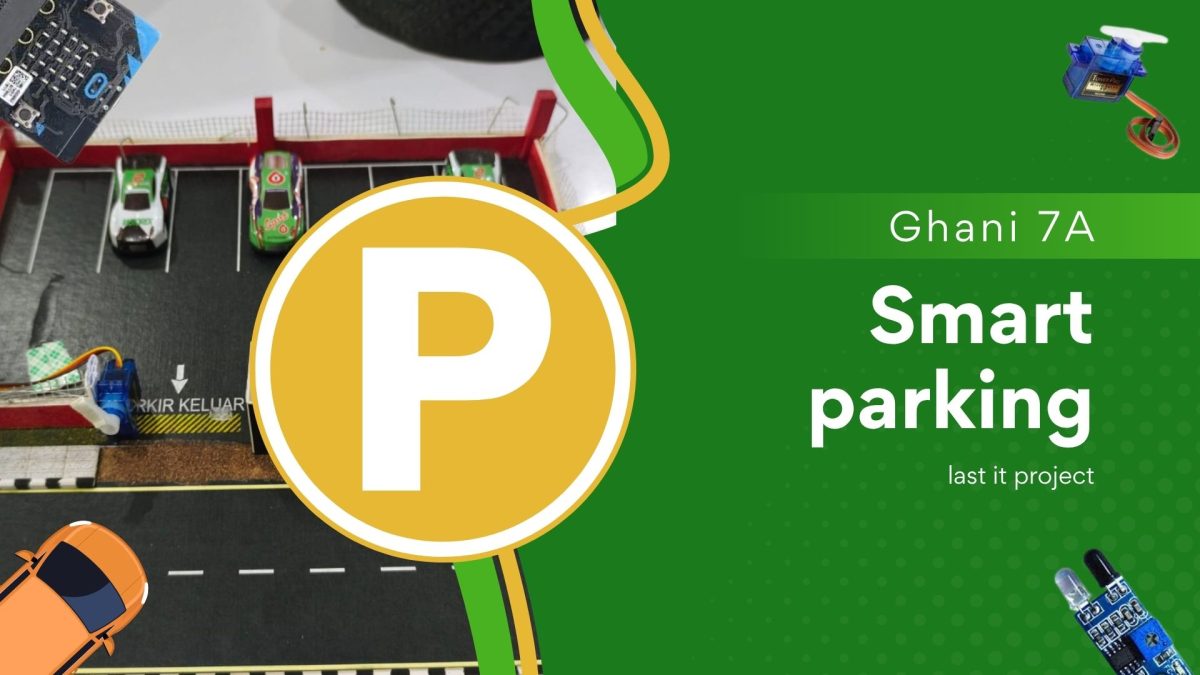
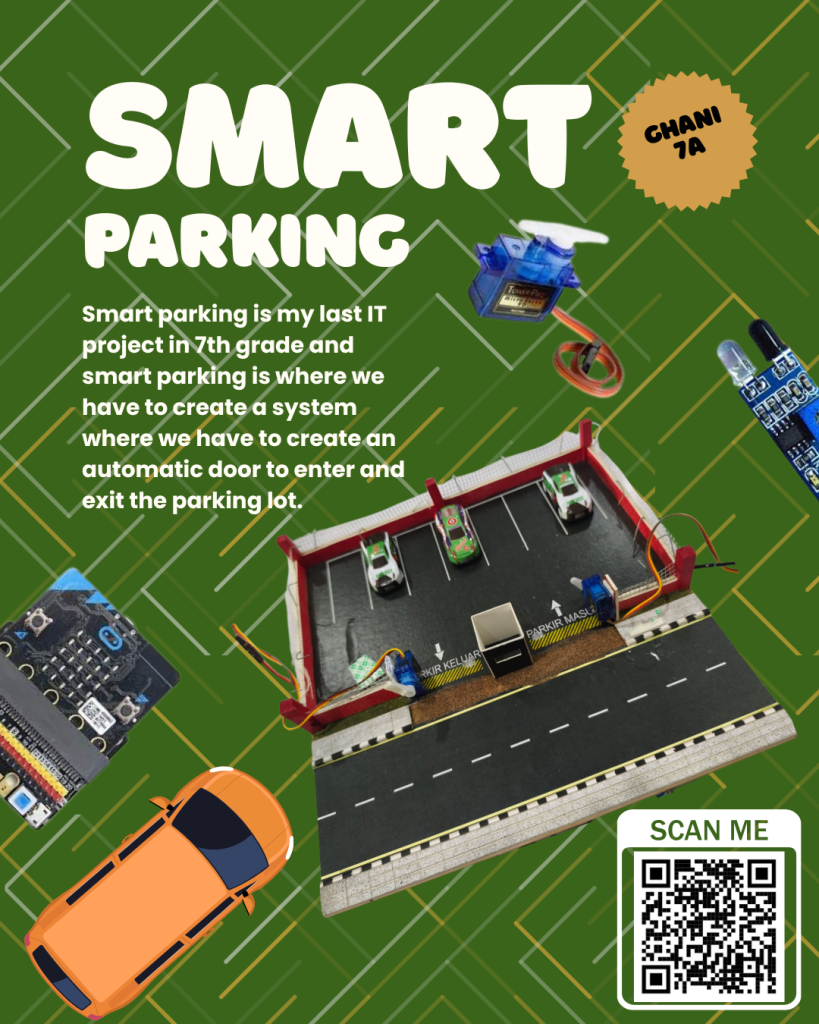
Smart parking is my last IT project in 7th grade, and smart parking is a project where we have to make a system that involves automatic doors to enter and exit the parking lot. well smart parking has 5 sensors namely 2 ir sensors 2 servos and microbit and iobit, well for the smart parking to work we have to code the microbit first then we put the microbit in the iobit because we need power from the iobit then we have to plug the cable according to the sensor, then for how it works when the ir sensor detects the car wants to enter it sends a signal to the servo to open the gate so the car can enter, well to get out the way is the same, well I have put the video and poster on my website I hope you like it

Categories
Project English Project IT

IT Presentation about Tiny bit

IT Presentation About Tiny Bit

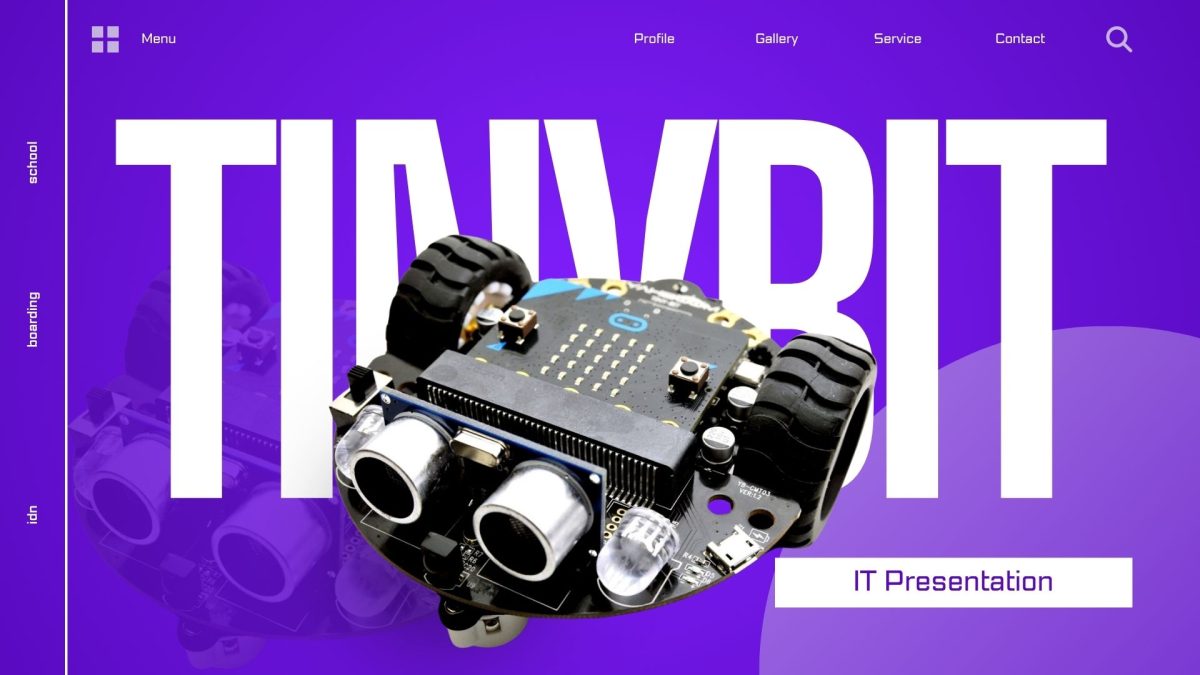
This is my 4th English project in semester 2. In this project, I explain about tiny bit, such as explaining the function of tiny bit sensors such as ultrasonic, rbg light line sensor, sound sensor and how to code it, such as we have to code the microbit first in make code and then it can move after the microbit that has been coded is connected to tiny bit, and I also explain the brain of tiny bit, namely microbit. I have put a video on my website.


Categories
Project IT

Smart Watering Plant

Smart Watering Plant

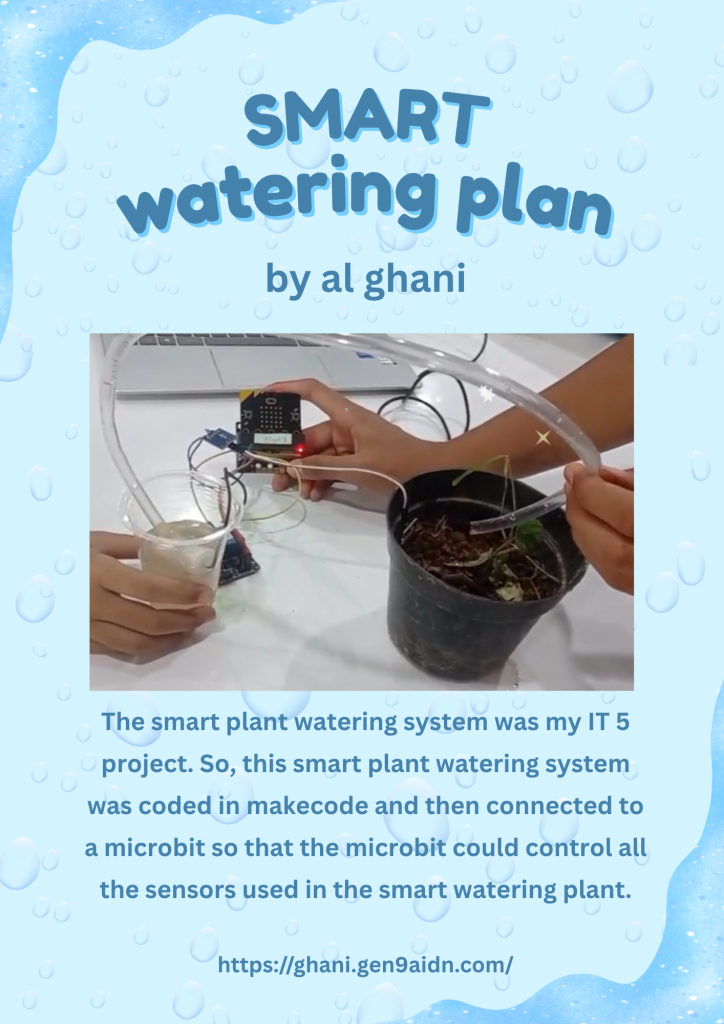
The smart plant watering system is my IT 5 project. So, how this smart plant watering system works is when the soil moisture sensor detects that the soil is dry, the IObit will give a command to the relay, and the relay will give a command to the DC pump to pump water to moisten the plants. When the soil is moist, the soil moisture sensor will tell the IObit to stop commanding the relay to pump, and all of that is controlled by the microbit that we have programmed in MakeCode. I have uploaded the video and poster on my website, I hope you like it.

Categories
Project IT

IT Tutorial

IT Tutorial about Tiny Bit Hand gesture

ok guys this is my second project it tutorial in this project I will give you a tutorial on how to code project tiny bit hand gesture , first of all you have to have microbit Because microbit if very improtant if you dont have microbit you can’t try the code and you can not do this tutorial and you must have a tiny bit to try the code , secondly you have to open make code and code in make code, if you want to see the video tutorial I have put it on my website I hope you like it


Categories
Project IT

Tiny Bit Line Follower

Tiny Bit Line Follower

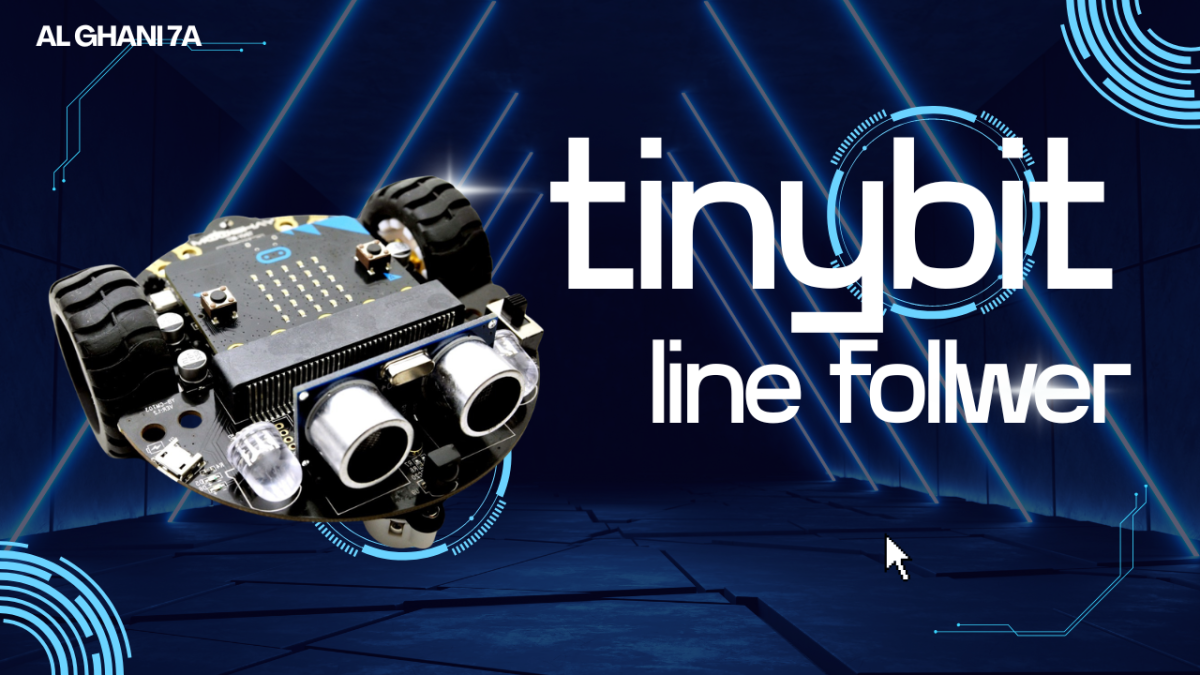
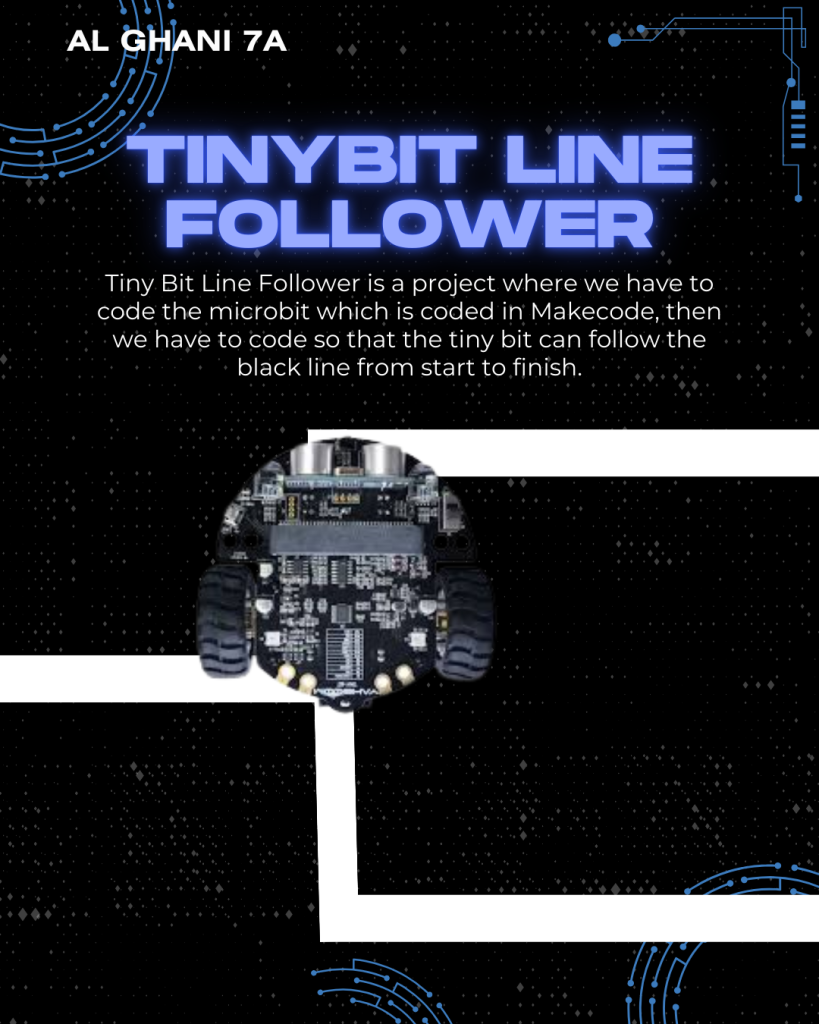
Tiny Bit Line Follower is a project where we have to code a microbit that is coded in Makecode then we have to code so that the tiny bit can follow the black line from start to finish, after coding you have to insert the microbit into the tiny bit so that the code can be absorbed or run by the tiny bit, after being inserted, put the tiny bit on the track but it must be in accordance with the start line and the black line. I have put posters and videos on my website, I hope you like it